Web Design Cold Email Templates That Win Replies From Local Owners
By Cameron Kirdzik — Founder @WebHunt.ai
· 8 min read
TL;DR
- Write for one-hand reading: 3–5 word subjects, <90 words body, line 1 = your concrete observation.
- Verify issues and save proof (screenshots/GIFs) so every email is indisputably true.
- Use 5 targeted templates: no site, broken mobile, no HTTPS, outdated design, no/weak reviews.
- Follow a 4-touch cadence: bump, value Loom, short voicemail, polite breakup.
- Authenticate your domain and warm it up; keep links/images minimal to land in the inbox.
Why local owners only reply to phone-first cold emails
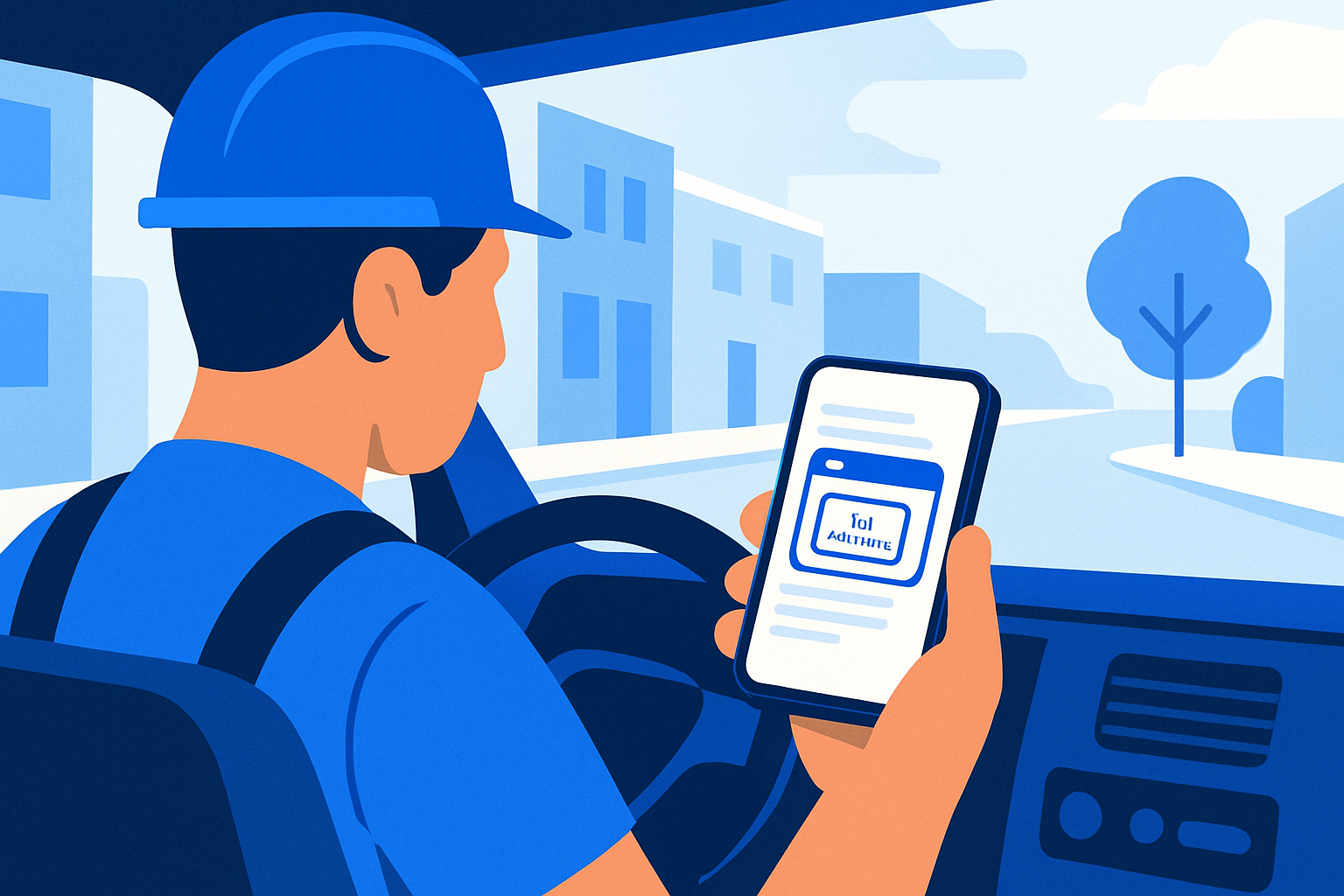
Local owners read between jobs on a phone. Most opens now happen on mobile—write for one-hand scrolling and 3–5 line screens. 1
Short wins. Keep the opener under 90 words; in B2B outreach, concise emails tend to earn higher replies. 2
- Grade 5–6 reading level. Short sentences. No jargon.
- 3–5 word subjects, no caps or emoji. Try: “Question about Oak St.”
- Put the observation in line 1. Don’t bury the lead.
- Close with one clear ask: a yes/no or two time windows.
Key takeaway: If it won’t scan in 8 seconds on a cracked iPhone screen, it won’t get a reply.
Find and verify issues you can reference in the first line
Every template below starts with a truth you can point to on their site. Verify and save proof, so your message is obviously about them—not a blast.
- No site: Google the brand + city. Check their Google Business Profile (GBP) for a missing “Website” button, Facebook “About” section for a domain, and even signage in GBP photos. If no domain appears anywhere, it’s fair to lead with that.
- Broken mobile: In Chrome DevTools, set iPhone 14 viewport. Note missing viewport meta, blocked menu, or horizontal scroll. Record a 5–10s GIF.
- No HTTPS: Test http:// and https://. Look for “Not secure” and mixed-content errors in the console. Screenshot the address bar.
- Outdated design: Fixed-width layout that crops on phones, footer © older than 2021, slider/Flash artifacts, antiquated template fonts.
- No/weak reviews: On GBP, if review count <10 and last review >6 months, screenshot with a visible timestamp. Check their site—are reviews present and near the phone number?
- Evidence handling: Save each asset with filename, page URL, test date/time, and device. Keep a tidy prospect folder.
- Prioritize by impact: Lead with issues that cost them calls today (e.g., no tap-to-call, blocked menu, “Not secure” banner).
If you’d rather not build this list by hand, WebHunt.ai scores local businesses by website-quality signals (HTTPS, mobile, speed, freshness) and review momentum, so you can filter for the exact weakness you want to solve. The per-lead AI “Deep Analysis” brief also captures desktop/mobile screenshots and drafts a pitch angle you can adapt.
Personalization building blocks you’ll reuse in every email
Make your opener unmistakably about them—fast.
- Subject formula: at (e.g., “Not secure on mobile at Oak Street Auto”).
- First line: Name the exact issue and where you saw it (URL/viewport/screenshot).
- Impact in their words: Missed calls, form fails, trust warnings, lost reviews—owner outcomes, not jargon.
- Credibility in one breath: Niche/area + a nearby win (e.g., “Helped 3 nearby plumbers fix tap-to-call”).
- Low-friction ask: Binary choice or permission question (e.g., “Want me to fix the mobile menu as a quick demo?”).
- Link discipline: One link max in the opener. Host your GIF/screenshot on your own clean domain.
By the numbers: Under 90 words. One link. One clear ask. Send a screenshot only if it proves the point in under 2 seconds.
5 web design cold email templates keyed to observable problems
Each template includes subject options and a phone-first body you can paste. Swap placeholders and keep your proof link tidy.
Template 1 — No Website Found
- Subject options:
- Quick question about your website
- Are you taking web inquiries on ?
- Found your GBP, not a site
- Body (≤85 words): “Saw on Google Maps but couldn’t find your website on your GBP or Facebook About. Many calls start online—without a site, customers default to the next listing. I can launch a simple 1-page site (tap-to-call, hours, directions) using your real details this week. Want me to spin a live draft so you can see it on your phone? – , .”
- Proof: Link to the GBP URL where the “Website” button is missing.
Tip: If you want to show a credible draft fast, the one-click website prompt in WebHunt.ai pre-fills an AI builder prompt (Replit, Lovable, v0, Bolt) with real business details and photos, so prospects can scroll a live mock on their phone.
Template 2 — Broken Mobile Experience
- Subject options:
- Mobile menu breaks on iPhone
- Quick fix for your tap-to-call
- Saw horiz. scroll on your site
- Body: “Checked on iPhone—menu blocks the screen and the phone number isn’t tap-to-call. I recorded a 7s GIF here: . This costs calls when folks check you between jobs. I can ship a fix + speed bump without touching your content. 20-min this week to show you on your phone? Tue 10:30 or Thu 2:00? – , helped last month.”
- Proof: Short GIF of the bug with timestamp/device label overlay.
Template 3 — No HTTPS / “Not secure”
- Subject options:
- “Not secure” on checkout/contact
- HTTPS issue on
- Quick trust fix for your site
- Body: “When I open , Chrome shows ‘Not secure’ and mixed content. Screenshot: . Many visitors back out when they see that banner, and Google treats HTTPS as a ranking factor. I can install a proper cert, fix mixed assets, and set HSTS—usually same day. Want me to handle it and send before/after? – .”
- Proof: Screenshot of the address bar + console mixed-content errors.
Template 4 — Outdated / Non-Responsive Design
- Subject options:
- Site crops on phones
- 2024 refresh (keep your content)
- Quick win: responsive + speed
- Body: “Your homepage () is fixed-width—text and photos crop on mobile. Footer still shows ©2018. A lightweight responsive theme would keep your branding but fix readability and speed. I can mock a modern hero + services + reviews live so you can scroll it on your phone before deciding. Want me to draft it? – , .”
- Proof: Side-by-side screenshot: desktop vs iPhone with cropping + old footer year.
Template 5 — No/Low Reviews on Site
- Subject options:
- Show your Google reviews on your site
- Lost proof on your homepage
- Embed reviews in 10 min
- Body: “Noticed your Google reviews (only and last is ) aren’t visible on your site (). Social proof near your phone number can lift calls for local services. I can embed live Google reviews + a simple ‘review us’ flow and tidy your contact block. Want a quick demo on your homepage? – .”
- Proof: Screenshot of GBP reviews panel + current homepage without reviews.
Follow-up cadence that respects busy local owners
Four touches max if there’s no new value. Keep replies under 40 words. Keep the same subject line to preserve the thread on mobile.
- Day 2 (same thread): One-sentence bump + repeat the observation.
- “Did you see the ‘Not secure’ screenshot I sent? Want me to fix it today?”
- Day 4 (value add): Share a 30–45s Loom scrolling the issue on mobile; one link only. Subject: “30s mobile walkthrough for ”.
- Day 7 (alt channel): Call and leave a 20–30s voicemail mirroring your email. Then reply to the same thread: “Just left a quick VM about the iPhone menu fix—ok to send a 1-page draft?” If you prefer to outsource, WebHunt.ai offers vetted human callers and an AI Voice Agent SDR that books meetings to your calendar.
- Day 12 (breakup): Close the loop and ask for the right contact.
- “Happy to drop this—should I ping or someone else about the HTTPS fix?”
If you need a live mock to earn the reply, the one-click website prompt in WebHunt.ai can generate a ready-to-paste AI builder brief with the business’s info so you can ship a credible draft in minutes.
Deliverability and compliance guardrails
Do the basics right so your message actually lands.
- Authenticate your domain (SPF, DKIM, DMARC) to improve inbox placement. 4
- Warm up the sending domain and cap daily volume for new domains (start under ~50/day; ramp slowly). 5
- One link, one image max in the opener. No URL shorteners. Host assets on your domain.
- Include your physical address and a clear opt-out to comply with CAN-SPAM (U.S.).
- From line: Real name + local city. Avoid spammy verbs (“free”, “guarantee”, “urgent”).
- List hygiene: Remove hard bounces immediately; stop after an explicit no; respect DNC when calling.
Measure what matters and turn replies into meetings
Track a few practical signals; don’t drown in dashboards.
- Benchmarks: Watch mobile open rate and replies. For personalized local outreach, many practitioners target low–mid single-digit reply rates.
- Tag by issue: Label each prospect with the observed problem (no site, HTTPS, mobile bug) so you can compare reply rates by problem type.
- Qualify fast on mobile: “Is still current? If yes, want a quick demo on your phone?”
- Meetings: After a positive reply, share a 2-tap calendar link and propose two windows. If they share a mobile number, confirm by SMS.
- Post-meeting: Within 2 hours, send a before/after screenshot or GIF and summarize scope, price range, and next step in 5 bullets.
For staying organized, WebHunt.ai lets you save leads, tag by issue, and track stages in a simple deal pipeline—plus export and automate via Zapier or API. And if you need richer context before a call, the AI opportunity brief in WebHunt.ai summarizes what’s broken and suggests a concrete pitch angle you can tailor.
Example micro-replies that move things forward
Short replies drive short scheduling.
- “Want me to fix the menu as a quick demo?” → “Yes—show me.”
- “Is the ‘Not secure’ still showing?” → “Think so.”
- “Ok to mock a 1-page site with your hours + tap-to-call?” → “Sure.”
- “Tue 10:30 or Thu 2:00?” → “Thu works.”
Owner-outreach tip: get to the right person
If your first contact isn’t the owner, ask, “Mind pointing me to whoever handles the website?” Keep it human. If you need direct owner details, WebHunt.ai can enrich a lead with owner name, direct phone, and email—plus confidence scoring and phone line-type checks—so you start with the right person.
Ready to put this to work?
Grab 10 local businesses with one obvious issue each, verify with screenshots, and send the matching template—short, specific, and phone-first. If you want a scored list of local businesses that actually need a site fix (with screenshots and pitch angles), start with WebHunt.ai and book more real conversations this week.
Frequently asked questions
How long should a web design cold email be when targeting local owners on mobile?
Aim for under 90 words. Keep line 1 as your concrete observation, include one link max (your proof), and close with a simple yes/no or two time windows. Short, skimmable messages win on small screens.
Is it okay to include screenshots or GIFs in the first cold email?
Yes—if the asset proves your claim fast. Use one link to a clean, branded page that hosts your 5–10s GIF or screenshot. Avoid URL shorteners and large inline images that can hurt deliverability.
What if I’m emailing the wrong contact—how do I reach the owner without spamming?
Politely ask, “Who’s the best person for the website?” If they don’t respond, a single voicemail mirroring your email is fine, followed by a short thread reply. Tools like WebHunt.ai’s owner contact enrichment can help you start with the right name, direct phone, and email so you minimize misfires.
How many follow-ups are acceptable before I should stop?
Four total touches if there’s no new value: initial, bump, value Loom, short voicemail + thread reply. After that, send a polite breakup asking if you should contact someone else. Don’t keep nudging without adding value.
Should I include pricing in the first email or wait until after a reply?
Wait until they show interest or confirm the issue. Then send a tight 5-bullet summary with scope, price range, and next step. Price lands better after they’ve seen a quick before/after screenshot or demo.
How do I handle a prospect who replies from a personal Gmail instead of a business domain?
Treat it like gold—it’s often the owner. Keep replies short, confirm the issue, and offer two meeting times. If they share a mobile number, send a brief SMS confirmation and a 2-tap calendar link.
Sources
About the author
Cameron Kirdzik — Founder @WebHunt.ai
Cameron is the founder of WebHunt.ai, where he helps web designers, agencies, and freelancers find local businesses that need a website. He writes practical, field-tested guides on prospecting and closing local clients.