The Economics of a $0 Website: Free Builder Problems, Explained
By Cameron Kirdzik — Founder @WebHunt.ai
· 8 min read
TL;DR
- Free builders are fine for low-stakes, temporary use—but they tax trust, control, and SEO when used for real local lead gen.
- Hidden costs: subdomain credibility drag, platform ads, lock-in/export gaps, and a ceiling on local rankings and conversions.
- Migration off a free plan takes real work (redirects, content QA, DNS/SSL); plan hours even with AI tools.
- One extra monthly booking often covers a modern AI-built site; pro builds run $300–$800 with hours-not-weeks delivery.
- Pros can turn this into pipeline: find subdomains and ad-watermarked sites, send a draft in 24 hours, and offer a no-risk migration.
The $0 Website Promise vs. the Real P&L
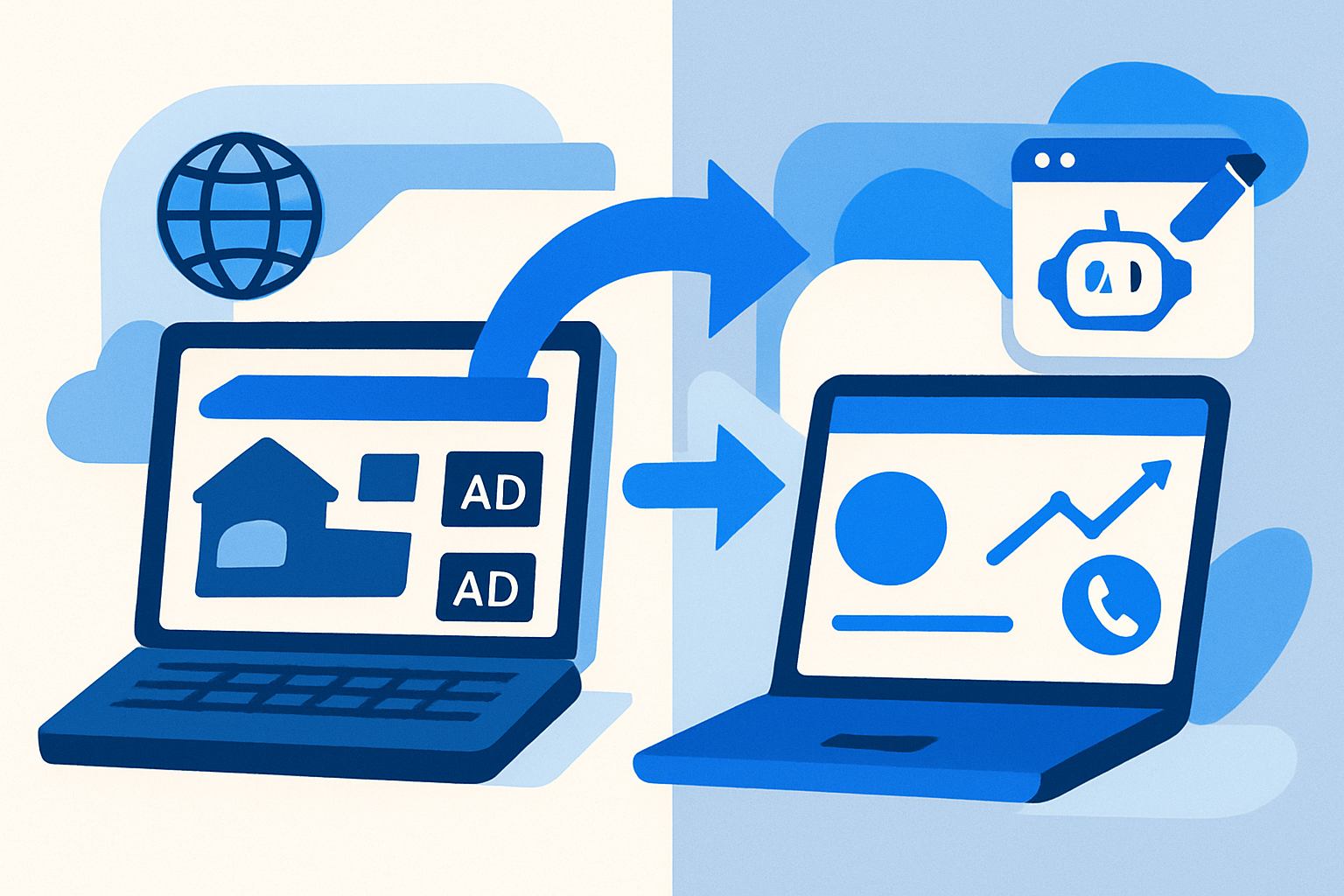
“Free” almost always means a platform subdomain (yourbrand.platform.com), visible platform branding or ads, a limited template set, no custom code, and tight caps on bandwidth or storage.1 The platform makes money from ads, upgrades, and lock‑in—not from your leads—so their incentives are not aligned with your local bookings.
In the AI era, that tradeoff looks worse. A fast, on-brand, custom-domain site with lead capture can be drafted and launched in hours using Framer AI, Replit, v0, Bolt, Base44, Lovable, Cursor, Windsurf, Codex Sites, Claude Design, or Claude Code. The real delta between “free” and “professional” is now small in cash and massive in upside.
The right lens: weigh hidden costs—trust, SEO ceiling, migration pain, and missed leads—against the $0 sticker price. This isn’t an anti-DIY screed. It’s the honest math.
Key takeaway: Free isn’t free if it costs you a single booked job every month. In most local trades, that dwarfs any hosting fee.
When Free Builders Are Actually Fine
Free can be the right call when the stakes are low and the timeline is short.
- Use-cases that fit: hobby clubs, a one-off community event, personal experiments, proof-of-concepts, or a placeholder while your LLC and banking finalize.
- Greenlight criteria: no paid traffic planned, brand risk is low, you don’t need Google rankings yet, and you’ve set a migration date within 30–60 days.
- DIY guardrails: pick a platform that allows connecting a custom domain on upgrade, supports clean exports/backups, and avoids aggressive ad injection—even if you start on free.
If you’re a pro advising a pre-revenue founder, a free landing page can be a 2–4 week bridge. Just set the expiration date up front.
Hidden Costs #1–#3: Subdomain Trust, Ads, and Platform Lock‑In
- Subdomain trust drag: Local customers expect a real .com on trucks, invoices, and your Google Business Profile. A subdomain is a signal that you’re temporary or unestablished—especially in high-ticket trades (roofing, HVAC, pest control). The result is fewer calls and lower close rates.
- Ads and watermarks siphon attention: Several well-known free plans explicitly place platform branding and even ads on your pages.2 That’s not just aesthetic; it diverts attention away from your phone number and form.
- Lock‑in mechanics: Before you start, check whether you can export HTML/CSS/assets, whether 301 redirect tools exist on upgrade, and whether content can export to CSV/JSON. Many free tiers restrict exporting and custom code, increasing migration friction and cost later.3
These are classic free website builder problems: credibility leakage, attention leakage, and control leakage.
Hidden Costs #4: The Local SEO Ceiling on Free Plans
- Custom domain requirement: Ranking a platform subdomain for commercial local queries (“plumber near me,” “roof repair in Springfield”) is materially harder than building authority on your own root domain, especially when citations and NAP data expect a canonical brand domain.
- Technical limits: Free plans often block schema markup, advanced metadata, and robots/canonical control—the basics for local relevance and indexation.
- Speed and Core Web Vitals: Slower pages convert worse; even a 1-second delay can materially depress conversion. Core Web Vitals are also part of Google’s ranking systems across many pages.4
- Platform risk is real: In 2024, Google shut down Google Business Profile (GBP) websites. Links redirected for a short window, then stopped—thousands of small businesses lost auto-generated sites overnight.5
By the numbers: You don’t need a perfect 100 Lighthouse score to win locally—but you do need a custom domain, clean vitals, and control over metadata.
Migration Math: What It Really Takes to Move Off a Free Site
Moving from a free plan to your own domain has predictable tasks. Budget time—even with AI build tools—so you don’t lose momentum or leads.
- Task inventory: audit every URL, map 301 redirects, recreate layouts/sections, extract images (often compressed), rebuild forms/integrations, set up analytics/consent, and re-verify Search Console.
- Time reality: With Framer AI, v0, or Bolt, you’ll draft the new site fast—but redirects, DNS, SSL, analytics, and content QA still take hours.
- Ranking risk window: Even with perfect 301s, signals consolidate over time. Temporary fluctuations are common while Google reprocesses your new structure.4
- Export gaps: Many free plans don’t offer bulk exports for templates, blog archives, or historical form submissions. Expect manual copy or scraping/automation where permitted.3
A tight migration checklist keeps it under control:
- Crawl old site for all URLs (Screaming Frog or Sitebulb)
- Build the new site from AI prompt; validate Core Web Vitals
- Map 301s at path level; test with a redirect checker
- Move DNS and issue SSL; verify HSTS/HTTPS redirect
- Recreate forms and integrate with email/SMS/CRM
- Add service schema and localBusiness schema where relevant
- GA4 + Search Console + call tracking
- Submit sitemaps; monitor coverage and 404s for two weeks
The Opportunity-Cost Calculation for Local Businesses
A simple model shows why “free” can be the expensive choice.
- If a booked job nets $250 profit and a credible website adds just one extra booking each month, that’s $3,000/year in incremental profit.
- A custom-domain, fast site with clear CTAs and tracking lets you optimize. Free plans often block the exact levers (schema, metadata, speed, conversion tools) that compound results.
- In the AI era, a professional can deliver a compliant, on-brand, tracked site for roughly $300–$800. Break-even is often 1–3 incremental bookings—sometimes in the first month.
This is the no-website-market in a nutshell: owners with high LTV but weak or free-builder sites are leaving cash on the table. As soon as tracking shows the lift, the math is obvious.
The AI‑Era Alternative: Professional Doesn’t Mean Expensive Anymore
What a modern micro-engagement looks like, delivered in 24–72 hours:
- Custom domain with DNS/SSL
- One to three pages (Home, Services, Contact) on a fast theme
- On-brand visuals and copy tuned for conversion
- LocalBusiness and service schema
- Lead capture (form + click-to-call) and basic call tracking
- GA4, Search Console, and a Lighthouse floor target
Because build time is compressed by 90–95% with tools like Framer AI, Replit, Base44, v0, Bolt, Lovable, Cursor, Windsurf, Codex Sites, Claude Design, or Claude Code, you can also offer:
- A free draft in 24 hours
- Pay-on-publish or cancel-anytime care plans
- A flat migration package with URL mapping, content cleanup, and a Lighthouse guarantee
If you want to accelerate the “show, don’t tell” step, WebHunt.ai includes a one-click website prompt that pre-fills an AI builder prompt (Replit, Lovable, Base44, v0, Bolt, Framer AI, Cursor, Windsurf, Codex Sites, Claude Design, Claude Code) with the business’s real details and photos. That gets you to a compelling draft in minutes, not days.
Turn This Into an Outreach Playbook (For AI‑Native Pros)
You don’t win this argument with theory—you win it with a side-by-side and a migration plan.
- Prospecting targets: roofers, plumbers, pest control, HVAC, electricians—trades where a single extra booking pays for the site. Scan for subdomains, platform footers/ads, missing HTTPS, slow pages, and thin content in your city list. If you’d rather not build the list by hand, WebHunt.ai scores tens of thousands of local businesses for buy-likelihood using website-quality signals and review momentum, filterable by trade and city.
- Audit asset: record a 3–5 minute Loom walking through the subdomain/ads, a Lighthouse snapshot, and three migration risks. Pair it with a same-day AI-built draft on a temp domain so the upside is tangible. To speed prep, a per‑lead Deep Analysis from WebHunt.ai provides screenshots and an AI opportunity brief that suggests a concrete pitch angle.
- Script beats:
- Acknowledge the DIY effort (“Smart to ship something fast.”)
- Quantify hidden costs (“The subdomain and ads are likely costing 1–2 calls a month.”)
- Propose a no‑risk pilot (“Free draft in 24 hours; we publish only if you love it.”)
- De‑risk migration (“We handle URL mapping, GA4, and Search Console—no ranking loss.”)
- Follow-through: Set a 14‑day check‑in with tracked calls/form fills. If lift is visible, ask for a review and a referral while momentum is high.
To reach owners directly and skip gatekeepers, WebHunt.ai can enrich the owner’s name, direct phone, and email with confidence scoring so your call or email starts with the right person. If you prefer to scale conversations beyond your own dialing time, the AI Voice Agent SDR in WebHunt.ai can call leads, pitch on your behalf, and book qualified meetings on your calendar with compliance guardrails. And if you want humans on the phones, their marketplace can run outbound and put meetings straight onto your calendar.
Finally, keep your pipeline organized. Save promising leads and track stages; WebHunt.ai includes a simple deal pipeline and export/API options so you can automate follow‑ups as you grow volume.
A Fair Comparison: Where Free Still Works vs. Where to Invest
- Free works: a temporary event site, a pre‑revenue concept test, a placeholder while paperwork finishes, or an internal-only link hub.
- Invest now: any local service business that depends on inbound calls, has an LTV above a few hundred dollars, or plans to run paid traffic. Here, the conversion lift from trust, speed, and tracking will out-earn the cost quickly.
If you must start free, pick a platform with:
- Clear export paths for content and media
- Upgradeable custom domain connection
- Control of titles/meta, alt text, and basic schema on paid tiers
- Minimal or removable branding/ads
And set a calendar reminder to migrate within 30–60 days.
A Compact Migration Plan (With Hours, Not Weeks)
Here’s a practical, AI-native timeline for a small service site (1–5 pages):
- Day 0: Crawl old URLs; collect assets; export what you can
- Day 1 Morning: Generate a draft site via AI builder prompt; tune copy
- Day 1 Afternoon: Implement schema, forms, tracking; test performance
- Day 2: Map 301s; move DNS; provision SSL; QA content and redirects
- Day 3: Submit sitemap; verify GSC; monitor logs and 404s
Most of the build is automated; your human time goes to redirects, QA, and owner sign‑off. That’s the AI‑era edge: you can credibly promise “live in 24–72 hours” without cutting corners.
Pricing Clarity for Owners (and Pros)
- One‑pager or 3‑page brochure site: $300–$800 all‑in for the build, plus hosting/care if desired.
- Migration add‑on: flat $150–$400 depending on URL count and forms/integrations.
- Ongoing optimization (optional): $100–$300/month for light SEO and CRO passes.
These numbers make sense when build costs are near‑zero. You’re paying for outcomes: domain control, speed, tracking, and the ability to iterate.
Bottom Line
Free builders are incredible for speed-to-first-pixel. They’re not credible for ongoing local lead generation where trust, control, and iteration pay the bills. If your business depends on calls and bookings, start (or switch) to a custom domain on an AI‑built, fast site. The break‑even is measured in calls, not months.
Ready to put this to work?
If you sell sites or migrations, or you’re an owner ready to graduate from “free,” use WebHunt.ai to find local businesses that need websites, see exactly what’s broken, and ship a convincing draft in hours—not weeks.
Frequently asked questions
Are free website builders bad for SEO or just limited?
They’re usually limited, not inherently bad. The issues are lack of a custom domain, ads/branding, and restricted control over metadata, schema, and robots/canonicals. Those limits create a ceiling on local rankings and conversions. Upgrading to a paid tier with domain control and technical settings, or migrating to your own domain, removes most constraints.
Can I rank a platform subdomain for local service keywords?
It’s possible for very low-competition terms, but materially harder for commercial queries. Citations and NAP data expect a root domain tied to your brand. A custom domain also lets you build long-term authority and avoid platform risk. For any meaningful lead-gen goal, use your own domain.
Will I lose my Google rankings if I move from a free builder to my own domain?
Not if you execute clean 301 redirects, preserve content intent, and re-verify in Search Console. Expect a short consolidation window where rankings fluctuate while signals transfer. Most local sites stabilize quickly when redirects and technical hygiene are solid.
Which free builders show ads or force subdomains on the free plan?
Many popular free tiers require a platform subdomain and show branding or ads. Always read the free-plan specifics: look for ad injection, export limits, and domain connection rules. These details change, so check current docs before committing.
How much should a basic professional website cost in the AI era?
For a local brochure site, budget $300–$800 for an AI-era professional build delivered in 24–72 hours, plus optional hosting/care. Migration from a free plan typically adds $150–$400 depending on URL count and integrations.
What’s the fastest way to migrate off a free builder without losing leads?
Crawl all URLs, generate the new site via an AI builder, map 301s at the path level, move DNS/SSL, and rebuild forms with tracking in place. Launch with GA4 and Search Console configured, submit sitemaps, and monitor 404s and call/form events for two weeks.
Sources
- 1 The Top 12 Free Website Builders for Small Business in 2026
- 2 Best Free AI Ad Generators in 2026: Free Tiers Tested and Ranked | AdMake AI Blog
- 3 CMS Migration: A Developer's Guide to Doing It Right in 2026
- 4 Core Web Vitals 2026: Fix Speed or Keep Losing Traffic
- 5 Google to Shut Down Google Business Profile Websites. What Now for Small Businesses? | Rise Visible
About the author
Cameron Kirdzik — Founder @WebHunt.ai
Cameron is the founder of WebHunt.ai, where he helps web designers, agencies, and freelancers find local businesses that need a website. He writes practical, field-tested guides on prospecting and closing local clients.