Local Business Website Conversion: 8 Elements That Book Jobs
By Cameron Kirdzik — Founder @WebHunt.ai
· 8 min read
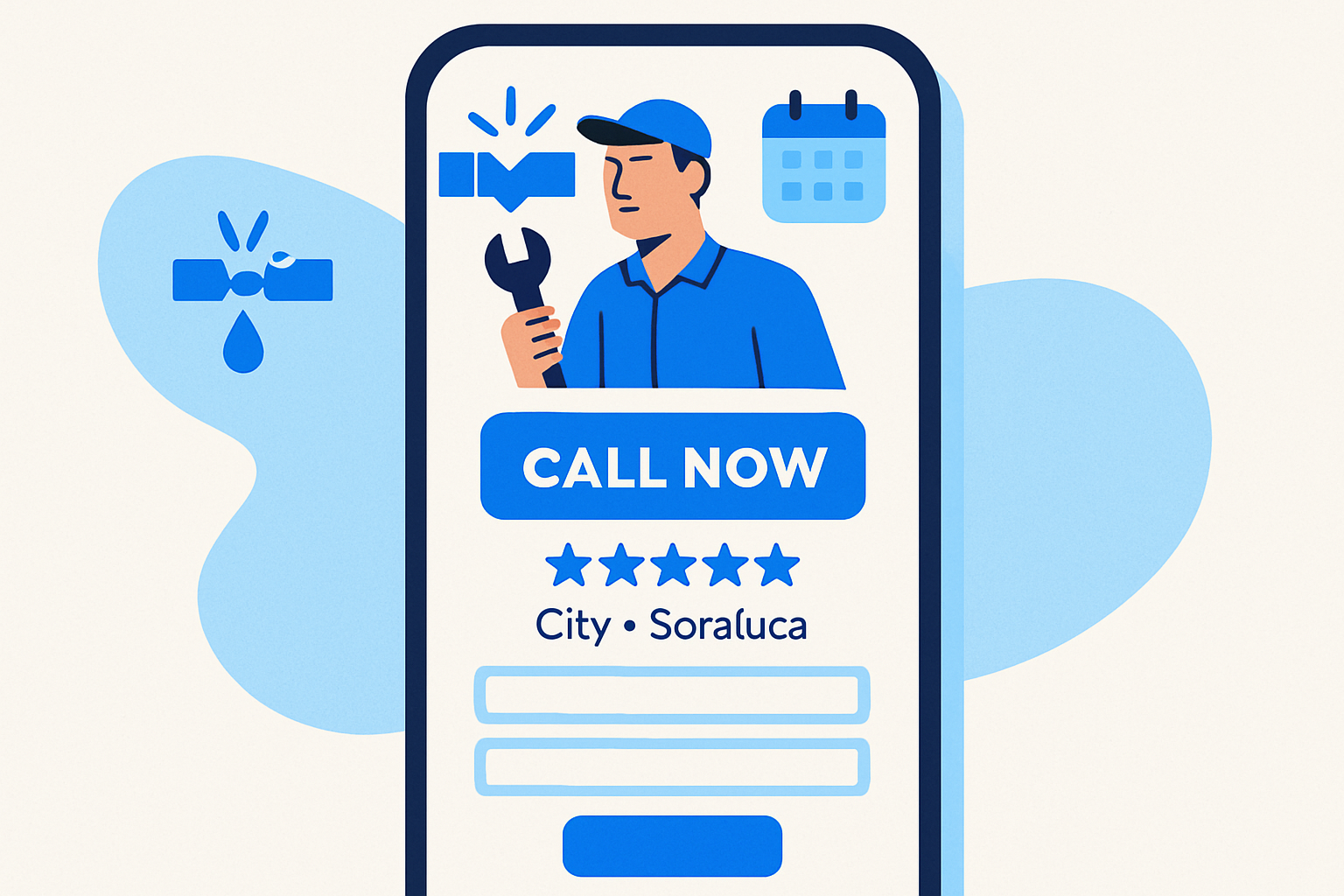
TL;DR
- Phone-first wins in trades: design every screen around a tap-to-call CTA.
- Eight essentials beat ‘pretty’: click-to-call, service-area clarity, problem-first services, proof, trust, simple forms, mobile speed, clear hours.
- AI builders now ship conversion-aware layouts; you still must add local intent and proof.
- Use a 48-hour playbook: audit, generate with AI, configure service-area/proof, publish, measure.
- Track call clicks and connection rate; iterate weekly on CTA microcopy and proof placement.
The one job: make the phone ring (phone-first for trades)
For home services, the most valuable click is a phone call, not a contact form. Build your site like a call funnel with a backup form — not the other way around. A burst pipe at 10pm or a no-cool AC in July won’t wait for an email.
Here are the eight conversion elements that matter more than ‘pretty’:
- Click-to-call everywhere.
- Immediate service-area clarity.
- Clear services list with urgent problems.
- Social proof (reviews, ratings).
- Trust signals (licenses/insurance/associations).
- Dead-simple quote/booking forms.
- Speed + mobile-first layout.
- Obvious hours/after-hours policy.
Tie each element to the in-the-moment buyer:
- Emergency buyer: wants a tap-to-call, response time, and proof you actually answer.
- Estimate buyer: wants service areas, specialties, reviews, and a simple form with a callback SLA.
Mobile matters most: over half of global web traffic is mobile, and local-intent searches skew even more mobile — your conversion baseline is set on a phone screen, not desktop. 1
Key takeaway: If a thumbs-only user can’t call you within 2 seconds on first paint, you’re leaking jobs.
Element 1–2: Click-to-call and header that sells the call
- Place a sticky tap-to-call button with the real phone number visible. Use microcopy that promises an outcome: “Call Now — Speak to a tech in 2 minutes.”
- Duplicate the call CTA in the hero, at the top of every service page, and at least once per scroll depth.
- Show hours and after-hours policy directly next to the phone number: “Open 7–7 | 24/7 emergency line.” If you charge after-hours fees, say it plainly to prevent bounce-inducing uncertainty.
Before → After (plumber):
- Before: tiny phone icon in the top-right, no hours.
- After: sticky green bar: “Call Now: (555) 123-4567 • 24/7 Emergencies” + inline subtext “Licensed • Insured • Same-day.”
Local searchers often want to call from mobile; Google has reported billions of calls driven by mobile search annually, underscoring phone as the dominant local conversion. 2
If you can’t pick up every call, don’t leave prospects dangling. Route missed calls or form-submits to an immediate callback system. If you prefer automation, WebHunt.ai’s AI Voice Agent SDR can place an instant outbound to the lead, qualify, and book the appointment on your calendar with compliance guardrails — a practical safety net when you’re on ladders or in crawlspaces.
Element 3–4: Service-area clarity and service lineup
- Put your service area in the hero line and near the first CTA: “Serving Chandler, Gilbert, Mesa — 45‑min arrival.” Avoid vague blobs like “Valley-wide.”
- List core services with problem-first phrasing: “No-cool AC, water heater leak, drain unclog, panel upgrade” instead of generic category labels.
- Add a fast-scanning location module: “We come to: ZIPs 85224, 85225, 85226” or a “Cities we cover” pill list. Link each city to a focused landing page with localized proof.
Before → After (roofer):
- Before: “We serve the metro area.”
- After: “Residential roofing in Omaha, Bellevue, Papillion — hail-damage specialists • Insurance help,” with links to each city page.
Element 5–6: Social proof and local trust signals where they matter
- Position your strongest proof near the first call CTA: star rating with count (e.g., “4.8 ★ (327 Google reviews)”) and two or three short excerpts touching speed, cleanliness, and honesty.
- Use proof types that convert in trades: job photos (before/after), technician ID/badges, license numbers, insurance statement, years in business, and recognizable local associations (BBB, Chamber, manufacturer certifications).
- Place trust badges adjacent to risky CTAs (after-hours call, financing application, large-ticket quote) to reduce friction at the decision moment.
Before → After (HVAC):
- Before: testimonials buried on a subpage.
- After: review widget in the hero + photo proof strip + “AZ ROC #xxxxx • Bonded & Insured • NATE‑Certified” above the fold.
Adding real, recent reviews on-page correlates with higher contact likelihood for local services, especially on mobile SERP journeys where users skim and decide quickly. 3
Element 7–8: Forms that don’t scare and mobile speed
- Limit fields to five: name, phone, service type, ZIP, preferred time. Defer the long story to a follow-up call or a second step.
- Use intent presets (radio pills): “Emergency now / Today / This week / Estimate only.”
- Set expectations at submit: “We call within 5 minutes (8am–7pm). After-hours? We’ll text first.”
- Speed and mobile-first layout are non-negotiable: compress images, lazy-load galleries, avoid heavy sliders; a single-column layout beats carousels for thumb reach. Mobile-friendly sites see measurably higher local contact rates. 4
Before → After (electrician):
- Before: 13-field “Request a Quote” form with required address and long message.
- After: 5-field “Text me a callback in 5 min” form + optional photo upload.
AI-era reality: What AI builders nail vs. what you must configure
AI site builders (Replit, Lovable, v0, Bolt, Framer AI, Cursor, Windsurf, Codex Sites, Claude Design/Code) now output mobile-first, conversion-aware layouts by default — sticky headers, bold CTAs, sensible typography, and clean forms are table stakes. The gap between ‘AI-built’ and ‘custom-built’ on conversion basics has narrowed significantly.
What they handle well out of the box:
- Click-to-call buttons and responsive navigation.
- Readable type scales and accessible color contrast.
- Simple contact forms and performance-friendly image handling.
What still needs human intent:
- Service-area copy: exact cities/ZIPs, response times, and dispatch realities.
- Social proof strategy: which reviews, which photos, and where they sit relative to CTAs.
- Local trust signals: license numbers, insurance, memberships, financing copy.
- CTA microcopy tied to urgency states (emergency vs. estimate).
Workflow tip:
- Generate the first-pass site in your tool of choice, then spend your human time on the location module, review sections, after-hours policy, and offer framing — the parts AI can’t infer from generic prompts.
- Use AI to spin quick A/B CTA lines (“Call Now” vs. “Speak to a Tech in 2 Minutes”), but keep the information architecture stable so tests don’t bury core CTAs.
By the numbers: With AI build tools, a solid trades brochure site goes from weeks to hours. The constraint isn’t fulfillment — it’s how many qualified local businesses you can process weekly.
If you want to go from audit to on-brand draft fast, the “one-click website prompt” inside WebHunt.ai generates a ready-to-paste builder prompt (Replit, Lovable, v0, and more) prefilled with the business’s real details and photos — ideal for same-day previews.
Before/After makeovers: 3 common conversion mistakes fixed
Mistake 1 (Plumber):
- Problem: Hero headline “Quality Plumbing Services,” stock image, small “Contact.”
- Fix: “Burst pipe? Call now: (555) 123-4567 • 24/7 • 45‑min arrival in Arlington” + proof strip + emergency CTA. Back it with a review excerpt about same-day saves.
Mistake 2 (Roofer):
- Problem: No service-area detail; “Free inspection” buried.
- Fix: “Hail damage roofing in Tulsa, Broken Arrow, Bixby” + “We help with insurance claims” badge + sticky call and “Text a roof tech” secondary CTA for after-hours.
Mistake 3 (Pest Control):
- Problem: 12-field quote form required upfront.
- Fix: 5-field “Same-day booking” form + phone-first hero + “Pet-safe treatments” trust badge near the form.
Mini-layout that books jobs:
- Header: phone, hours, service cities.
- Hero: phone CTA + star rating with count.
- Services grid: problem-first labels.
- Proof module: reviews + photo strip + licenses.
- Short form: 5 fields + callback SLA.
- Secondary CTAs: “Text us” or “Request callback” for off-hours.
To feed this playbook at scale, you need the right targets. If you’d rather not build lists by hand, WebHunt.ai scores local businesses by buy-likelihood using website-quality signals (HTTPS, mobile-readiness, speed, freshness) plus review momentum and category demand — a fast way to spot outdated, slow, or thin sites that will benefit from a conversion-first overhaul.
Fast audit-to-live: a 48-hour implementation playbook
Day 1 — 30-minute audit
- On a phone, check: sticky click-to-call, service-area clarity, above-fold proof, trust badges near CTAs, a 5-field form, and snappy load speed. Screenshot gaps.
- If you want a structured tear-down, open a lead’s Deep Analysis in WebHunt.ai. The AI opportunity brief includes screenshots and a point-by-point audit of what’s missing, plus a suggested pitch angle you can paraphrase in your proposal.
Day 1 — 2-hour draft
- Generate a skeleton site with your AI builder (Replit/Lovable/v0).
- Immediately configure: service-area copy and response times; the review module with 2–3 excerpts; proof badges near CTAs; after-hours policy; and emergency vs. estimate CTAs.
- Use the one-click website prompt inside WebHunt.ai to prefill the builder with the business’s name, services, cities, images, and contact info so your first draft lands close.
Day 1 — Proof and offer sourcing
- Pull the top three recent Google reviews (with permission/attribution) that mention speed and professionalism.
- Assemble six before/after photos; crop for mobile.
- Write CTA microcopy for both states: “Call for same-day fix” and “Schedule free estimate.”
Day 2 — Publish and connect follow-up
- Ship a live preview, then route forms to a phone-first workflow: instant callback during hours, SMS-first after hours, next-business-day booking cadence.
- If you’re staffing-limited, WebHunt.ai can backstop your outreach with a human-caller marketplace or its AI Voice Agent SDR to book qualified meetings into your calendar.
Measurement plan
- Track call clicks, form submits, and call connection rate. Set a baseline and iterate weekly on CTA copy and proof placement — local-intent searches are action-heavy, and small above-fold changes compound results. 5
Pipeline note for pros
- Save leads and track them across stages so you don’t lose hot prospects while you’re rebuilding sites. If you run an automated funnel, WebHunt.ai includes a deal pipeline and workflow plus API/Zapier for handoffs into your CRM and dialer.
Audits at scale: where this fits your AI-native practice
Compressed build time changes the economics. With AI tools covering the heavy lift, your scarce resource is qualified attention — who you choose to fix first. Trades with high LTV and poor web presence (plumbing, roofing, HVAC, pest) are ideal: a single booked job can ROI the entire engagement.
- Prospect fast: use weakness signals (no HTTPS, slow, not mobile-friendly) to prioritize quick wins.
- Pitch what matters: promise hours-not-weeks delivery, phone-first conversion, and a clear after-hours policy.
- Prove it: ship a same-day draft and track call clicks from day one.
WebHunt.ai sits at this prospecting layer: scored leads, owner contact enrichment when you’re ready to outreach, AI briefs for one-click audits, and pipeline tools to keep the whole motion tight.
Frequently asked questions
What’s the ideal number of form fields for a local trades quote request?
Five or fewer is the sweet spot: name, phone, service type, ZIP, preferred time. Add intent presets like “Emergency now / Today / This week / Estimate only.” Push detailed descriptions and full addresses to a follow-up call or a second step to avoid scaring off mobile users.
How should I present service areas for multi-city coverage without creating thin content?
Use a concise hero line listing the top cities and a scannable “Cities we cover” module. Link each to a focused city page with localized proof: 1–2 review excerpts from that city, 2–3 relevant job photos, and a localized CTA. Avoid copy-paste pages; make each page carry unique proof.
Where should reviews go on a local business website to maximize calls?
Place a rating with count in the hero, and add 2–3 short excerpts near your primary call CTA. Repeat proof adjacent to risky actions (after-hours call, financing). Keep the full testimonials page if you want, but prioritize above-fold microproof where decisions happen.
Do I still need a custom-built site if AI builders already handle conversion basics?
Often, no. AI builders now ship mobile-first, conversion-aware layouts. The value you add is local intent: service areas, dispatch times, curated proof, and trust signals — plus ongoing testing. Go custom when integrations, complex calculators, or unique UX truly move revenue.
How can I test whether ‘Call Now’ or ‘Text Us’ converts better for my market?
Run simple A/B tests on CTA microcopy for a week at a time while keeping layout stable. Track call clicks, SMS starts, and connection rate. Emergency-heavy niches tend to favor “Call Now,” while after-hours and younger demos may skew toward “Text Us.”
What’s the best way to show after-hours availability without encouraging low-value calls?
State the policy clearly by the phone: “24/7 emergencies — after-hours fee applies.” Offer a secondary CTA like “Request a callback by 8am” or “Text us” for non-urgent issues. This sets expectations while preserving conversion for real emergencies.
Sources
- 1 Mobile Website Traffic Statistics And User Data 2026
- 2 Local Search Statistics 2026: Near Me, Mobile & Purchase Data
- 3 Local SEO Statistics 2026: 50+ Data Points (Map Pack + AI)
- 4 Web Design Statistics 2026: Mobile, Speed, Accessibility • SQ Magazine
- 5 Call to Action Statistics (2026): Conversion Rates, & Data
About the author
Cameron Kirdzik — Founder @WebHunt.ai
Cameron is the founder of WebHunt.ai, where he helps web designers, agencies, and freelancers find local businesses that need a website. He writes practical, field-tested guides on prospecting and closing local clients.